 you will see in your Panda product's main window. Remember that to sign in you'll have to provide your Panda Account credentials as well as the verification code generated on your mobile device.
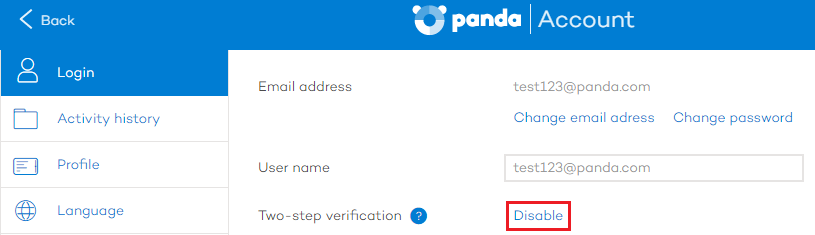
Access your Panda Account information from the Panda Cloud console or clicking the icon you will see in your Panda product's main window. Remember that to sign in you'll have to provide your Panda Account credentials as well as the verification code generated on your mobile device.
Click the Disable link.
A dialog box will be displayed.

Bear in mind that you can enable it again whenever you want. To do that, simply access your Panda Account information again, and click Enable. Then, you'll have to enter a verification code.
Related topics